The bottleneck is no longer the chat window
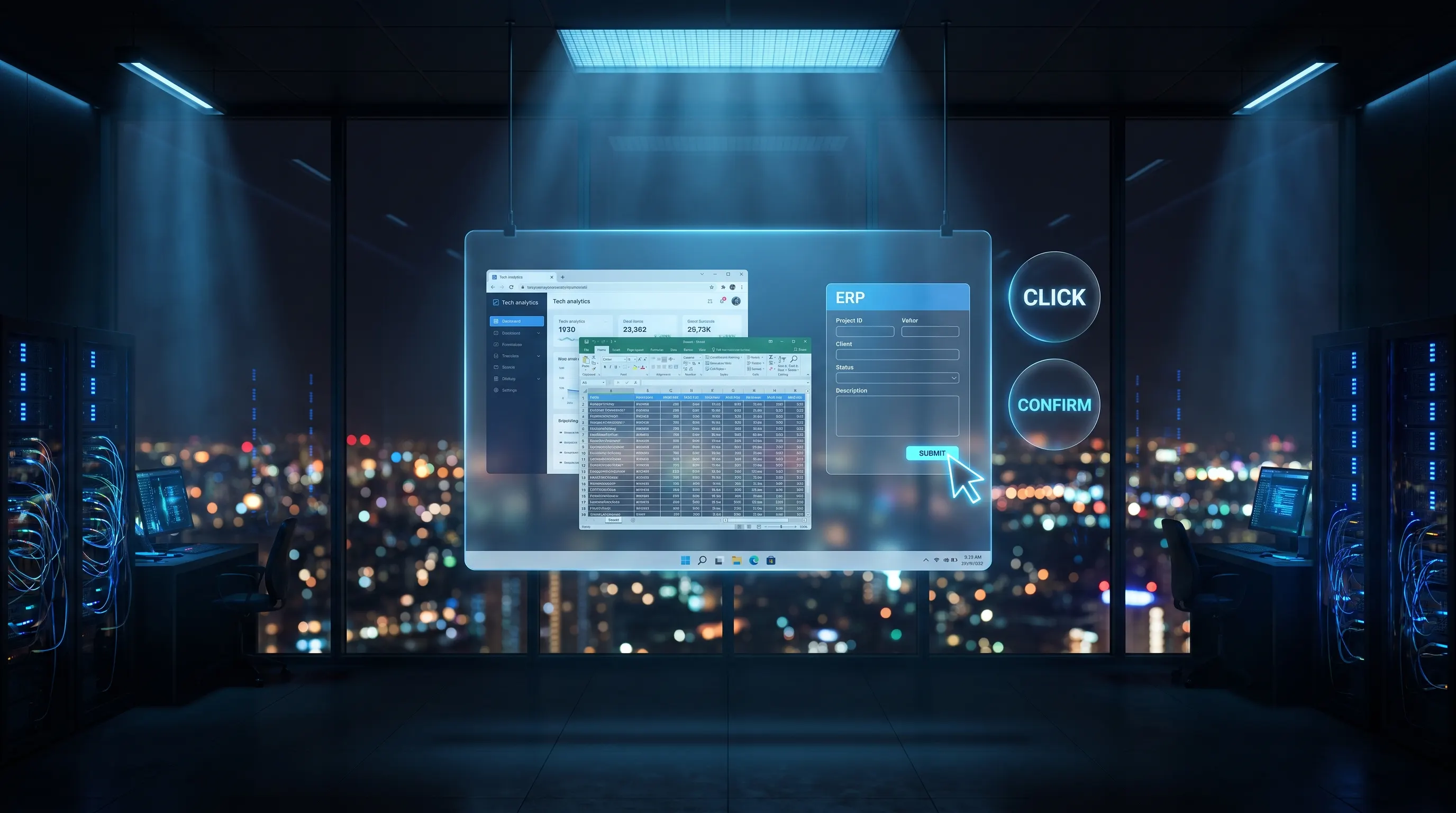
Example: a clerk opens a supplier portal, finds the “delivery date” field, enters a date and confirms. That is exactly what computer use agents in the enterprise can take over. They see the interface, read the state and click, type or scroll like a person — even when a cookie banner appears, a second tab is open or a button has moved slightly.
For mid-market decision-makers this is not a toy. Much operational work still lives in systems with no clean interface. An API is a technical docking point that lets two programmes exchange data directly. Often that docking point is too expensive, too slow or too incomplete. So people keep working in the screen.
That is where earlier agents stop. A chatbot drafts an answer. An API agent writes a record if the target system cooperates. A computer-use agent keeps going even when there is no interface. It sounds like the end of integration projects. It is closer to the start of a new control question: who may click? And what happens when the click is wrong?
Computer use agents in the enterprise: four forms — chat, API, RPA and computer use
Without clear terms, board discussions mix technologies that differ in maturity and risk. The distinction is the first decision filter.
Chat agent: The user leads the conversation. The model plans in text and may call a few tools. Good for research, drafts and internal answers. Weak as soon as the next step is an input screen.
API agent: The model talks to systems through fixed interfaces. State, permissions and logs are controllable. This is the preferred path whenever an interface exists — and the standard we recommend in our Agentic AI briefing.
RPA: Robotic Process Automation means click automation by fixed script. A bot follows a rigid path of coordinates, selectors and waits. If the screen changes, the run breaks. RPA stays useful where the flow is truly identical every time — for example the same export window.
Computer use: The model sees the screen pixels or the structure tree of the interface. That tree is a technical description of which elements sit on screen and what they do. The model then decides by meaning: “that is the save button.” It survives small UI changes better than RPA. It is still not as safe as an API: it can fill the wrong field, miss a dialog or pull personal data into a screenshot.

The practical result: computer use does not replace integration architecture. It is the bridge for the remaining roughly 20 percent of processes that cannot be connected economically. That is the only place budget should go. What already works via an interface or a clean RPA script should stay there. Less interpretation, fewer surprises, clearer logs.
Three prerequisites before the first desktop agent clicks
Demos like to show an agent booking a trip in five minutes. In mid-market operations the same demos fail in three places. Those must be settled before the pilot — not after.
1. The process must be understandable from the outside
A computer-use agent cannot “do what Meier always does”. It needs decision logic an outsider can follow. Which fields are mandatory? Which values are allowed? When do we abort? If the flow lives only in one specialist’s head, you are digitising improvisation. Write the target process so a new colleague could run it correctly on day two. That is the specification. Anything thinner is a demo.
2. Prohibitions must be harder than for chat agents
A wrong sentence in chat is embarrassing. A wrong click in SAP triggers a booking, an order or a change to master data. Master data are the core records for customers, suppliers and items that many processes rely on.
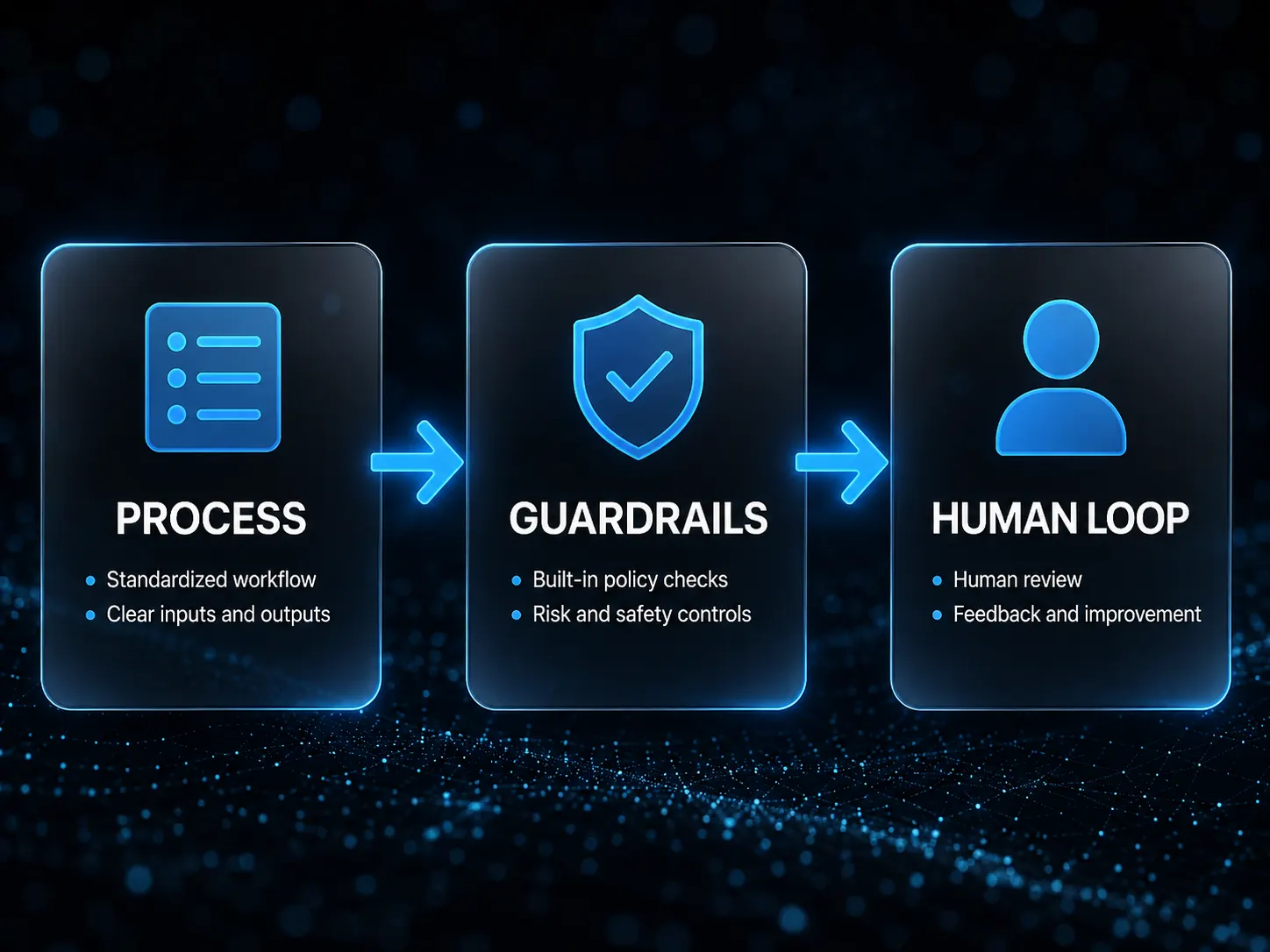
Before go-live, write a negative list: which web addresses, transactions and buttons must the agent never touch? Limit every session to one system, one least-privilege account and a fixed time window. Store every step with screenshot and action in a log that business and IT can read together. Without those boundaries, computer use is not an efficiency lever — it is uncontrolled remote access to your systems.
3. Irreversible actions need a human
“Human in the loop” means a person stays built into a fixed step. Here that is an operating rule, not a philosophy. Save, send, post, approve, delete: the agent prepares, the human confirms. Only after the same action has run correctly a hundred times in a narrow frame can approval be tied to thresholds — for example automatic only under a set amount or only for known suppliers. Skip that stage and you buy a week of wow and three months of cleanup.
Where a 2026 entry is realistic
Not every screen deserves a desktop agent. Fit processes that happen often, where a wrong click does limited harm, and where the target system has no usable interface. Three patterns show up regularly:
Portals with no interface: Supplier shops, government forms, customer portals. Clerks retype data there today. The agent pre-fills; the human submits.
Excel as a shadow ERP: Lists travel between teams before someone keys them into the system of record. The agent reads the rows and transfers field by field. It stops before save.
SAP screens and similar legacy UIs: Only where a real connection would be disproportionate and the path is tightly scoped. “The agent runs SAP” is 2026 marketing, not an operating model.
What stays out on purpose: payment approvals, bulk master-data changes, health or HR records, and anything with external effect and no second check. Those belong in controlled workflows and interfaces — not pixel control. Cut the first pilot this way and in six to ten weeks you get a usable answer: is the bridge worth it, or should you pay for the interface?