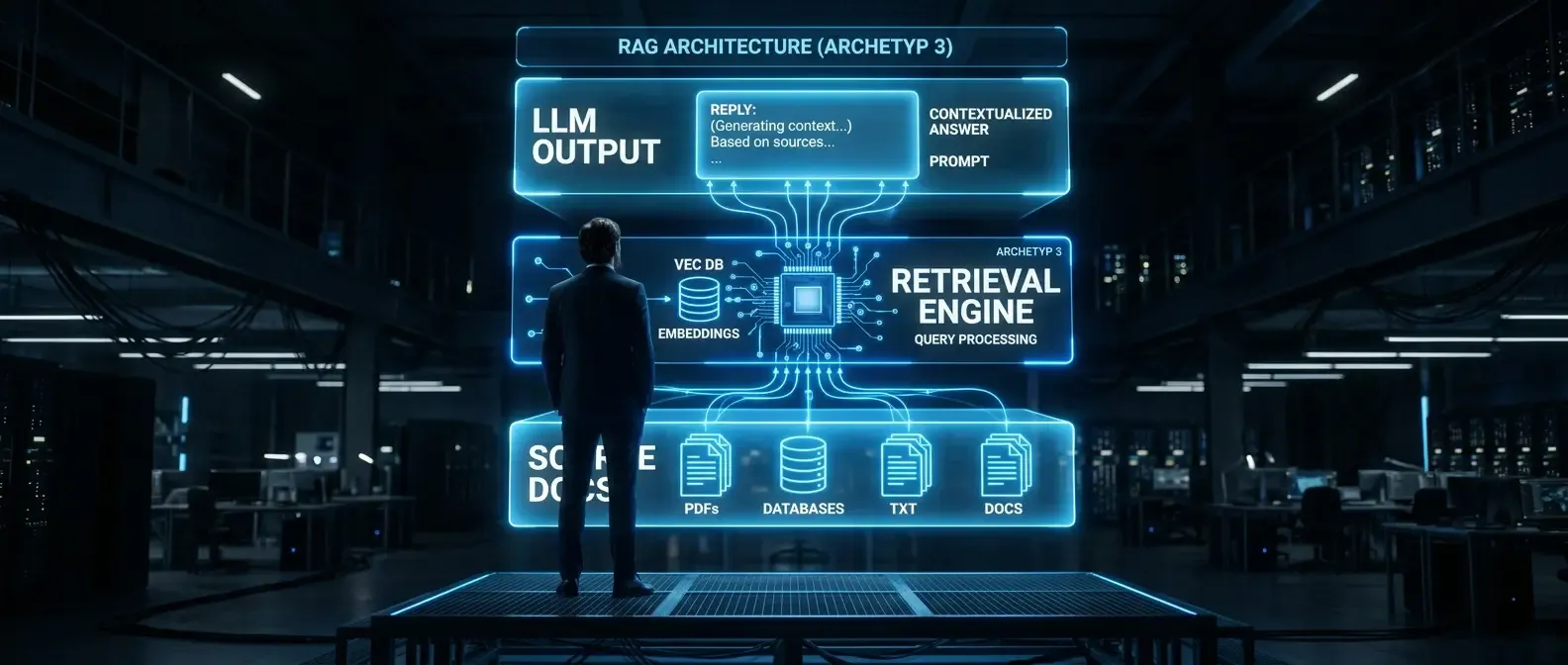
Why RAG for internal documents is often underestimated
Retrieval-augmented generation sounds like a technical choice. In practice it is first organisational: which documents should the system know? Who may access which answers? How does the team detect when something goes wrong? These questions are often asked too late — when the system is already live and users receive answers that are outdated, contradictory, or simply wrong.
RAG for internal documents differs from generic LLM use cases: the system speaks on behalf of the organisation. A wrong answer on leave policy, purchasing, or privacy is not only poor UX — it can drive wrong decisions and compliance issues. The checklist below covers twelve areas where most implementations show gaps.
RAG checklist: twelve critical points before rollout
1. Source catalogue and document perimeter
Define exactly which documents enter the index — and which do not. An uncontrolled growing pool is a leading cause of poor RAG quality. Decide: current version only or older versions too? Which formats (PDF, DOCX, Confluence, SharePoint)? Who owns maintenance of the catalogue? The perimeter must be written down and reviewed regularly.
2. Document quality and cleanup
Bad sources produce bad answers — without exception. Before indexing, remove outdated, duplicate, and conflicting documents. That is not a one-off: without document governance, RAG quality degrades over time. Plan an initial cleanup sprint, a versioning concept, and a process for updated content.
3. Access rights and authorisation logic
The LLM does not know who may see which document. If HR policies, compensation data, and general handbooks sit in one index, permissions must be enforced at retrieval time — not only at storage. Check whether your RAG stack supports row-level security or document-level filters, and test behaviour for different roles explicitly.
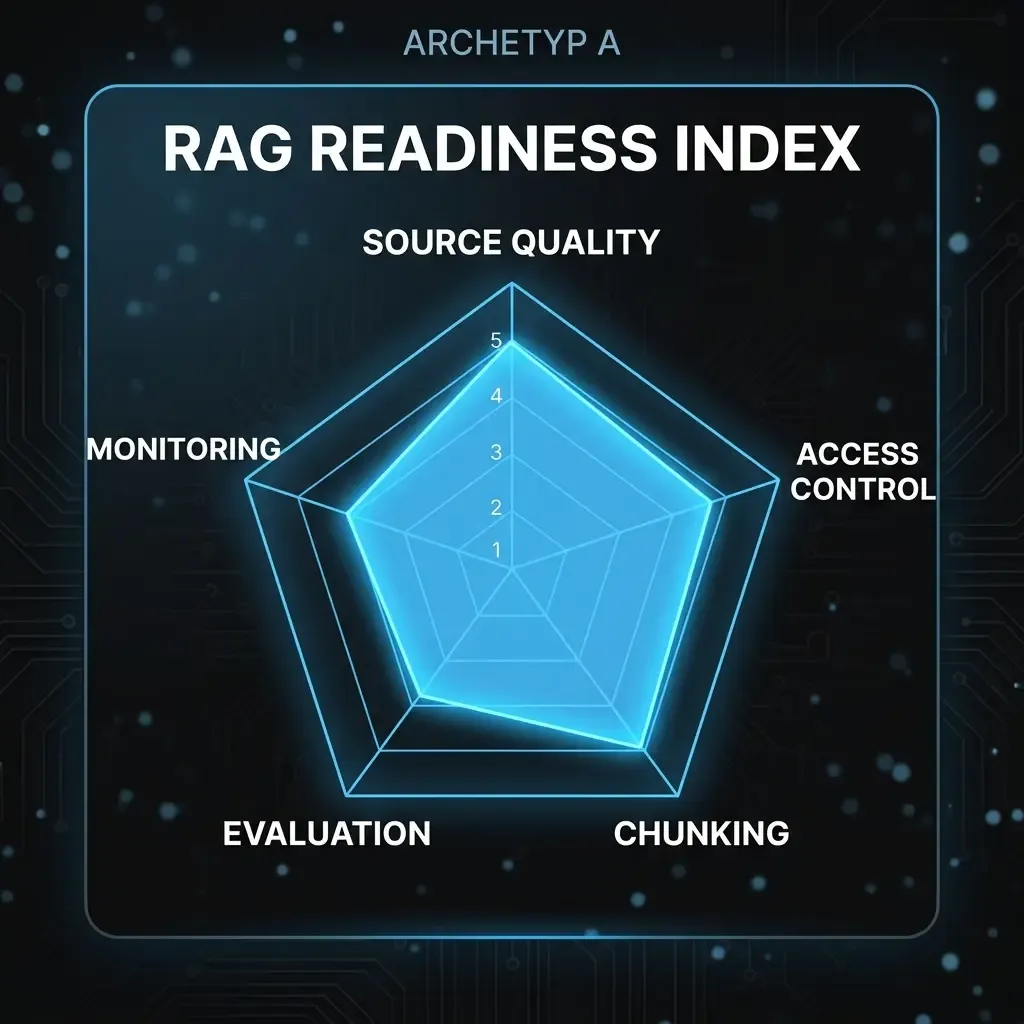
4. Chunking strategy
How documents are split into chunks directly affects retrieval. Chunks that are too small lose context; chunks that are too large hurt precision. There is no universal optimum — it depends on document type, question format, and embedding model. Document your chunking approach so it can be adjusted and re-tested. Tables, numbering, and attachments often need special rules.
5. Embedding model and versioning
The embedding model defines how similar query and document must be to match. Changing the model after indexing requires full re-indexing — a non-trivial effort. Record which model and version you use and under what conditions you would evaluate an upgrade. Query and document embeddings must use the same model.
6. Retrieval quality and test set
Before production, you need a representative test set with expected answers — for initial quality measurement and regression tests after changes. Aim for at least 30–50 question–answer pairs from real or realistic scenarios, reviewed by subject-matter experts. Metrics such as recall@k and MRR give objective comparison points.
7. Hallucination risk and citations
Even well-configured RAG can hallucinate — especially when retrieval finds no good match but the model still answers. Define explicit behaviour when no relevant sources are found: the system should state that it cannot give a grounded answer rather than improvising. Citations (document name, version, section) are essential for traceability and trust.
8. GDPR and data storage
Are queries and answers logged? Where do the vector store and LLM run — on-premise, EU cloud, or non-EU provider? What personal data might appear in documents, and how do you prevent uncontrolled exposure? Align these points with your DPO and legal before go-live. Retrofitting privacy on a live system is costly.
9. User groups and roles
Who uses the system for what? One-size-fits-all access is rarely appropriate. Define groups with different document access, prompt templates, and optionally separate indexes. Sales, finance, and project leads need different contexts — which affects both permissions and retrieval quality.
10. Prompting and system instructions
The system prompt frames every answer: tone, boundaries, and behaviour. Define language, what must not be answered, and how ambiguity is handled. Version prompts and obtain business sign-off before production. Uncontrolled prompt changes can alter behaviour without immediate visibility.
11. Monitoring, logging, and feedback
Without usage data you cannot improve systematically. Define metrics (volume, retrieval hit rate, user feedback scores), how bad answers are reported and triaged, and when documents are removed from the index due to repeated failures. Without a feedback loop, quality silently degrades.
12. Communication and change management
The best RAG system fails if users do not know what it is for and where its limits lie. Communicate what it can and cannot do, when to escalate to a colleague, and that answers are grounded in internal documents but should still be verified when decisions matter. Onboarding material, FAQ, and a clear escalation path are part of the implementation.
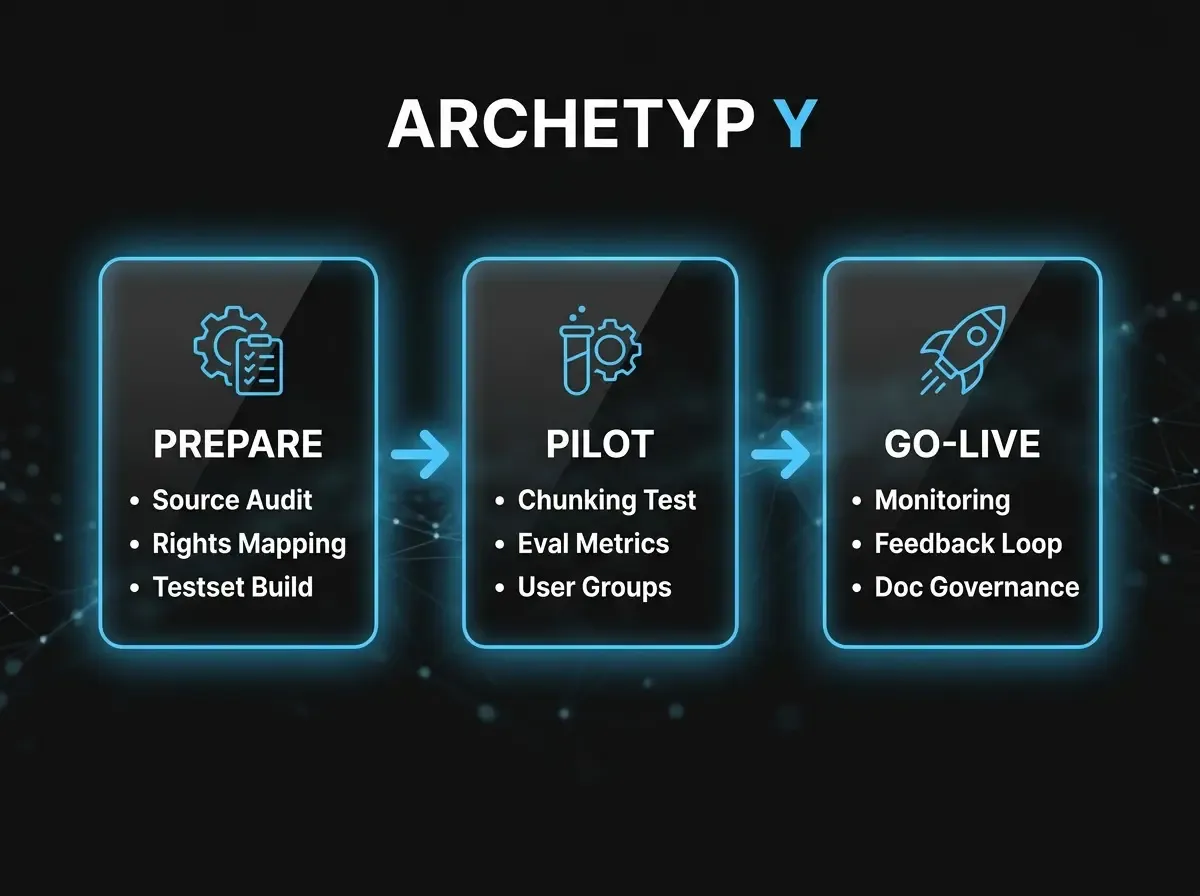
These twelve points are not a one-time gate before go-live — they underpin ongoing operations. Teams that clarify them before rollout avoid technical debt and build the trust employees need to actually use the system.